
How your fleet's data is kept yours.
This page is for whoever has to approve GPStrix at your company. It describes the mechanisms rather than the intentions. If something here is not specific enough, ask us, and we will answer the question you actually have.

The database will not mix customers
Most software keeps customers apart in its application code: every query is supposed to include "where company is yours". Forget it in one place and one customer sees another's vehicles.
GPStrix enforces it inside the database. Every table that holds customer data has PostgreSQL row-level security switched on and forced, with a policy that returns only the rows belonging to the company of whoever is signed in, and refuses to write a row stamped with any other company. The application connects as a database role that cannot turn this off. If a query in our own code left out the filter, the database would still return only your rows.
Positions and events, the largest tables, are stored in a compressed time-series format that cannot carry row-level security. So the application has no access to those tables at all. It reads them only through views that apply the same company check.
| Data | How it is kept to your company |
|---|---|
| Vehicles, users, geofences, alerts, reports, field records, billing | Row-level security, forced, on reads and on writes |
| Positions and events | No direct access for the application; company-scoped views only |
| A record that belongs to another company | Answered as "not found", exactly like an ID that does not exist |
Why "not found" and not "forbidden": a forbidden answer would confirm that the ID belongs to somebody.
Signing in
- Two-step verification
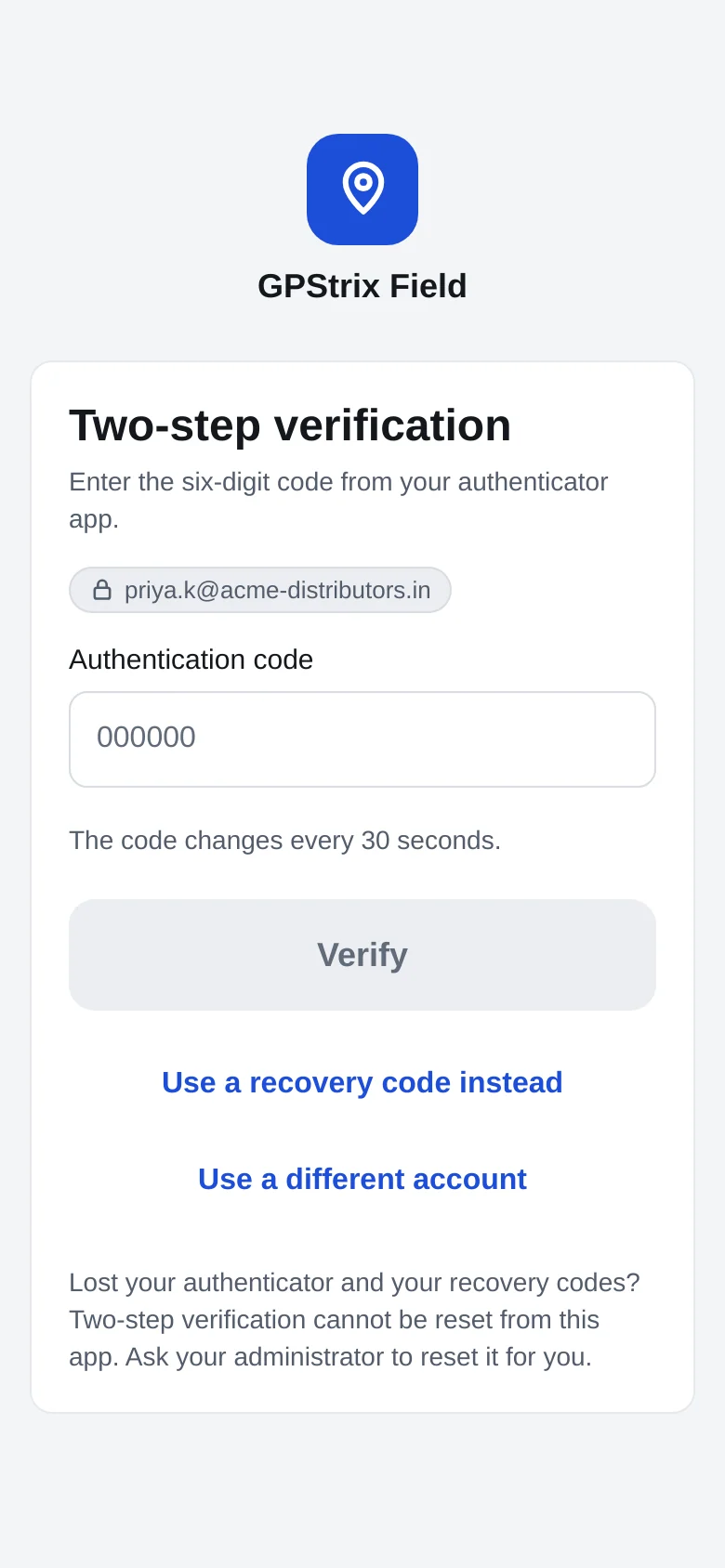
- With any authenticator app on a phone. Setting it up gives you ten single-use recovery codes for the day the phone is lost. It works in the console and in both Android apps.
- Limits on guessing
- Wrong passwords are counted per account and per network address, so neither hammering one account nor trying one password across many accounts gets far. A two-step code allows five tries per sign-in and ten per account.
- Forgotten passwords
- Reset by an emailed link that works once and expires after 30 minutes. Asking again cancels the earlier link. A reset signs out every session and leaves two-step switched on, so the code is still asked for next time.
- Lost authenticator
- Reset by an administrator, never by the person themselves, and recorded in the audit log.
- Stored passwords
- Never stored as typed. We keep an Argon2 hash, which is deliberately slow to test guesses against.
When our support staff look at your account
Sometimes the quickest way to answer "why can't I see my truck?" is for our support person to see what you see. They can do that only under these rules, and the rules are enforced by the software, not by a policy document.
Not while impersonating: commands to a vehicle are the customer's to send.
- A reason first. The session cannot start until they write down why.
- Thirty minutes at most. It cannot be renewed. When it runs out, it is over, and it can be ended early.
- Recorded before it starts. The audit entry is written before access is granted, not afterwards.
- Your view, not a master key. They see what the user they are helping sees, through the same isolation rules described above.
- Some things are refused outright. Changing passwords, two-step settings or users; creating API keys or webhook secrets; billing; and sending commands to vehicles, because an immobiliser cut cannot be undone by ending the session.
- You can see every session. Your owners and administrators can list who looked, when, for how long and the reason they gave. Today that list comes from the GPStrix API; a screen in the console is planned.
Secrets, webhooks, connections and backups
- Audit log
- Significant actions are recorded with who did them and when: support sessions, users added or changed, password and second-factor resets, API keys created or revoked, vehicles archived, plan changes.
- Credentials you give us
- Logins for your SMS gateway or mail server, used to send your notifications, are encrypted with AES-256-GCM before they are stored. API keys are shown once; we keep only a hash to check them against.
- Webhooks
- Each delivery is signed with a secret unique to that endpoint, and the signature covers a timestamp, so your server can reject a message replayed later. The verification code is published for you to use.
- HTTPS
- The console, the apps, the API and report downloads are served over HTTPS with Let's Encrypt certificates. A reseller's own domain gets its certificate the same way, and only after the domain has been verified as theirs. Phones in tracker mode refuse to send over plain HTTP.
- Hardware trackers
- Teltonika and most other GPS trackers speak their own binary protocol on a dedicated port, as they do with any platform. A tracker whose IMEI is not registered is dropped, never attached to someone's account.
- Backups
- The database is backed up every night at 02:30 IST. Each backup is checked as it is written, and an incomplete one is never kept as if it were good. The restore procedure has been run against a real backup into a scratch database, and is repeated as a drill.
Bring the questions your IT team will ask.
Send them before the demo, or bring them to it. We would rather answer a hard question before you sign than after.
Already a customer? Sign in to the console.