
Route 7, one morning, seen from the gate and from the school.
A parent wants to know whether to walk down now or in ten minutes. The school wants to know that every bus left on time and nobody drove at 50 past the gate. Those are two different screens, and only one of them should show the driver's speed.
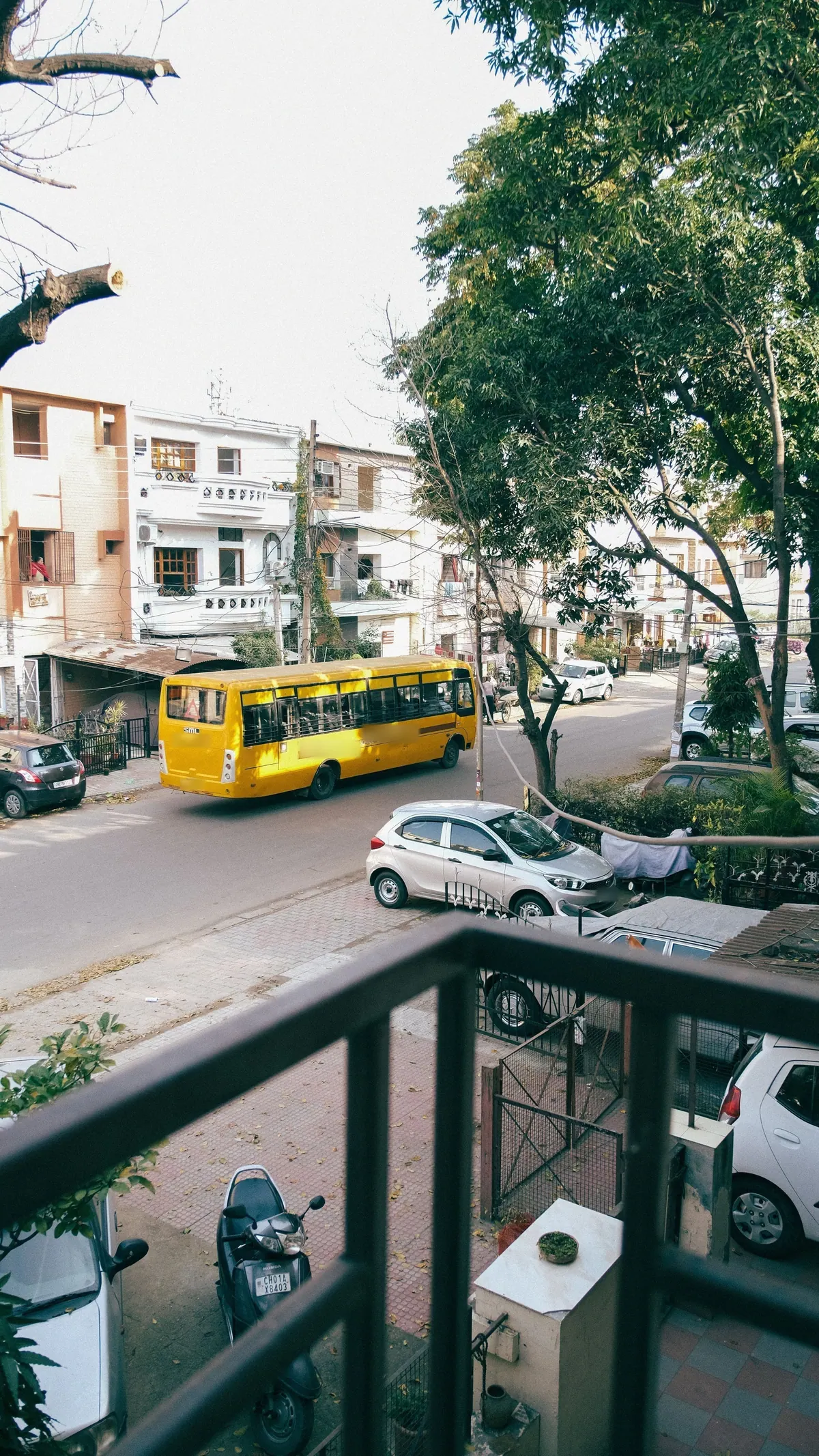
The same forty minutes, twice.
Route, times and speeds are an example written for this page. The screens, alerts and reports described exist in the product today.
The parent
The class WhatsApp group gets a link from the school: "Route 7, morning". It works from 06:30 to 08:30 and shows nothing outside those hours.
The transport in-charge
The live map, filtered to the school-bus group. Every dot is still inside the depot geofence.
The parent
Nothing to see yet. The bus has not left.
The transport in-charge
Route 7 leaves the depot and the exit is logged. Route 11 is still inside. That is a phone call to make now, not at 07:20 when parents start ringing the office.
The parent
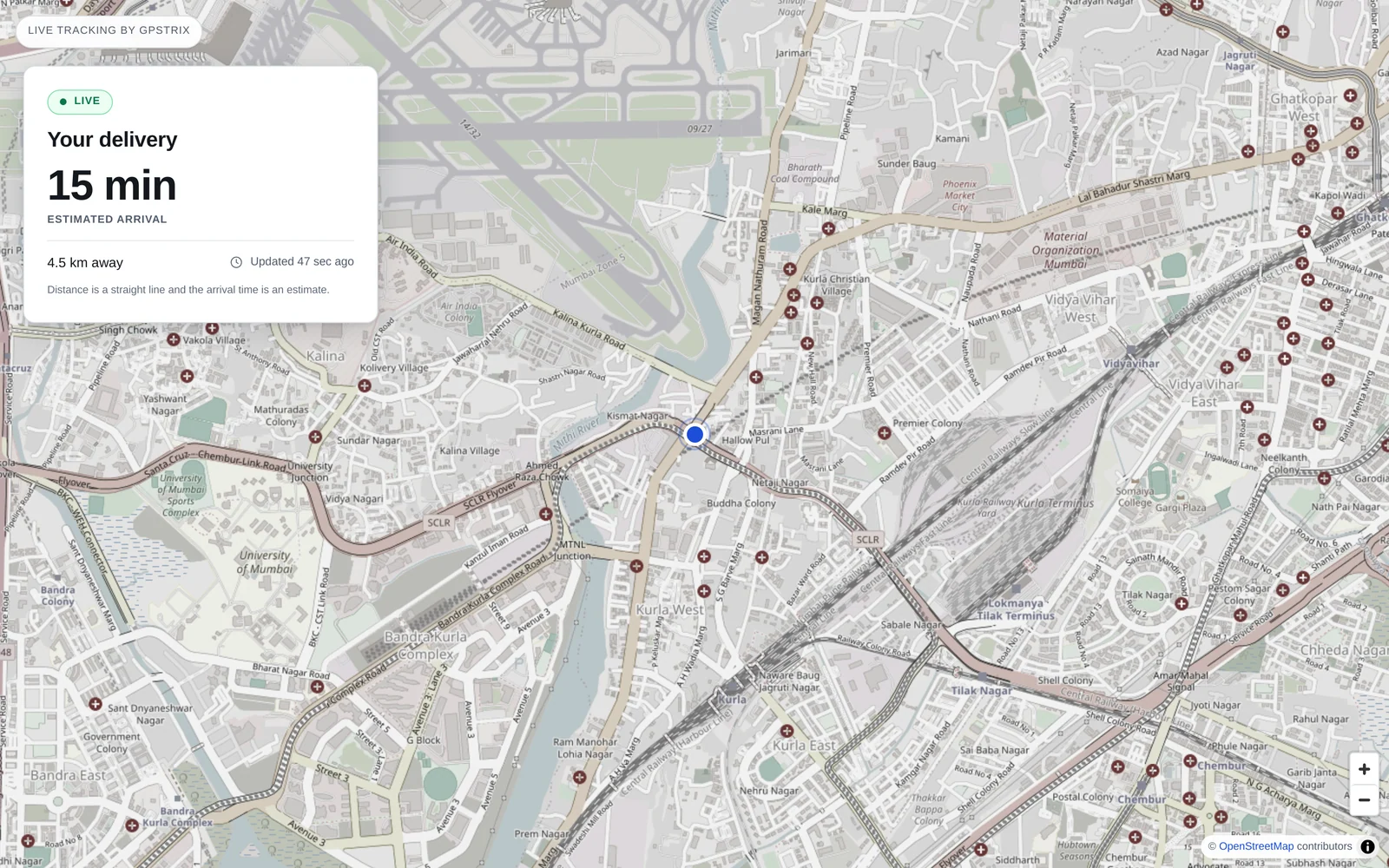
The dot is two streets away. The page says "1.5 km away" and gives a rough arrival time. No bus number, no driver's name or phone number, no speed.
The transport in-charge
Route 7 enters the market zone, which carries its own limit of 25 km/h. It is doing 31. An SMS reaches the in-charge, and the zone speed report will show it again on Friday.
The parent
The child is on the bus. The link keeps working until 08:30 and then stops, without anyone having to remember to turn it off.
The transport in-charge
All buses are inside the school geofence. Each arrival time is in the geofence entry and exit report, per bus, per day.
What a parent's link shows, and what it leaves out.
A tracking link opens in any phone browser without an account. It shows one vehicle, its distance from the destination you set, an arrival estimate and when the position was last updated.
It never shows the registration, the speed, the driver's name or number, any other bus, or where the bus was before the window opened. Distance is rounded to the half kilometre and time to five minutes, which is enough to decide when to leave the house and not enough to follow anyone.
When a family leaves the route, revoke their link and it stops working at once.
How the morning is set up
Done once by whoever runs transport, then left alone.
- Zones with their own limits
- Draw a zone around the school gate, the market and the highway stretch, and give each a speed limit. Where zones overlap, the lower limit applies, so the school zone inside a city zone is held to the school's number.
- Alerts to one person
- Overspeed, harsh braking, a tracker losing power. Rules can be limited to the school-bus group so the canteen van does not wake anyone up. Delivered by email, Telegram or Slack today; SMS and WhatsApp once their message templates are approved.
- Who drove which bus
- Driver assignments are kept with their dates. "Who was driving Route 7 on 14 March" has an answer without a paper register.
- Driver behaviour
- A scorecard and a harsh-events report per driver, for the conversation with a driver before it turns into a parent's complaint.
- Silent trackers
- A bus whose tracker stops reporting appears in the non-reporting vehicles report, and a cut to its power raises an alert.
What GPStrix does not do for schools
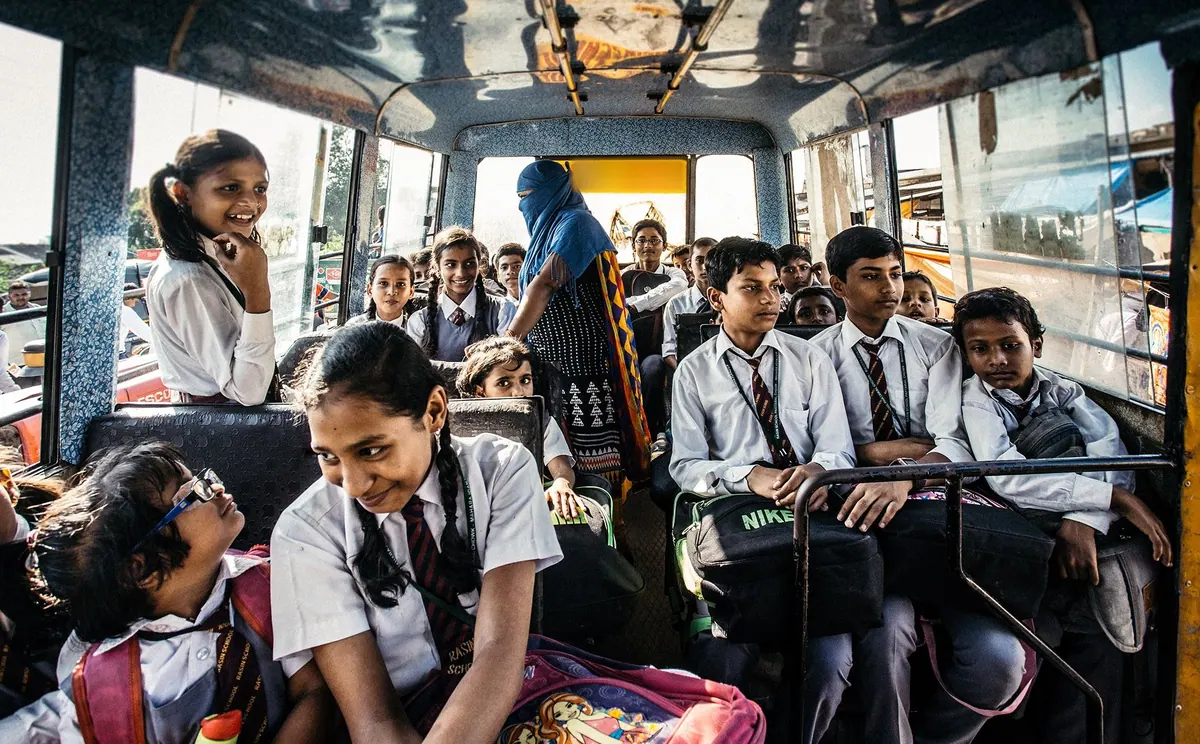
- It tracks the bus, not the children. There is no student card, boarding register or attendance on board.
- A link has one destination. For a route with many stops, set it to the school; parents watch the bus approach on the map. The arrival estimate comes from straight-line distance, so treat it as roughly right.
- We do not claim any transport-department certification for the platform. If your state requires one for school buses, check the tracker you fit against it.
Set up one route with us first.
Bring the route map and the bus list. We will draw the depot, school and speed zones with you in the demo, and send a test link to your own phone.
Already a customer? Sign in to the console.