
One load, from the loading bay to the signed receipt.
A transporter's day is mostly phone calls. Has it left? Where is it now? Why has it stopped? Has it reached? Below is one ordinary run, Nashik to a godown in Bhiwandi, and what GPStrix shows you at each point instead of the call.

The run, leg by leg.
The route and times are an example written for this page, not a customer's trip. Every screen and report named exists in the product today.
Loading bay, Nashik05:40
The truck leaves the depot
The depot is a geofence you drew once, so leaving it is an event. A rule turns that event into an email or Telegram message to the dispatcher. Nobody has to ring the yard to ask whether it has gone.
The customer's phone05:45
The consignee gets a link, not a phone number
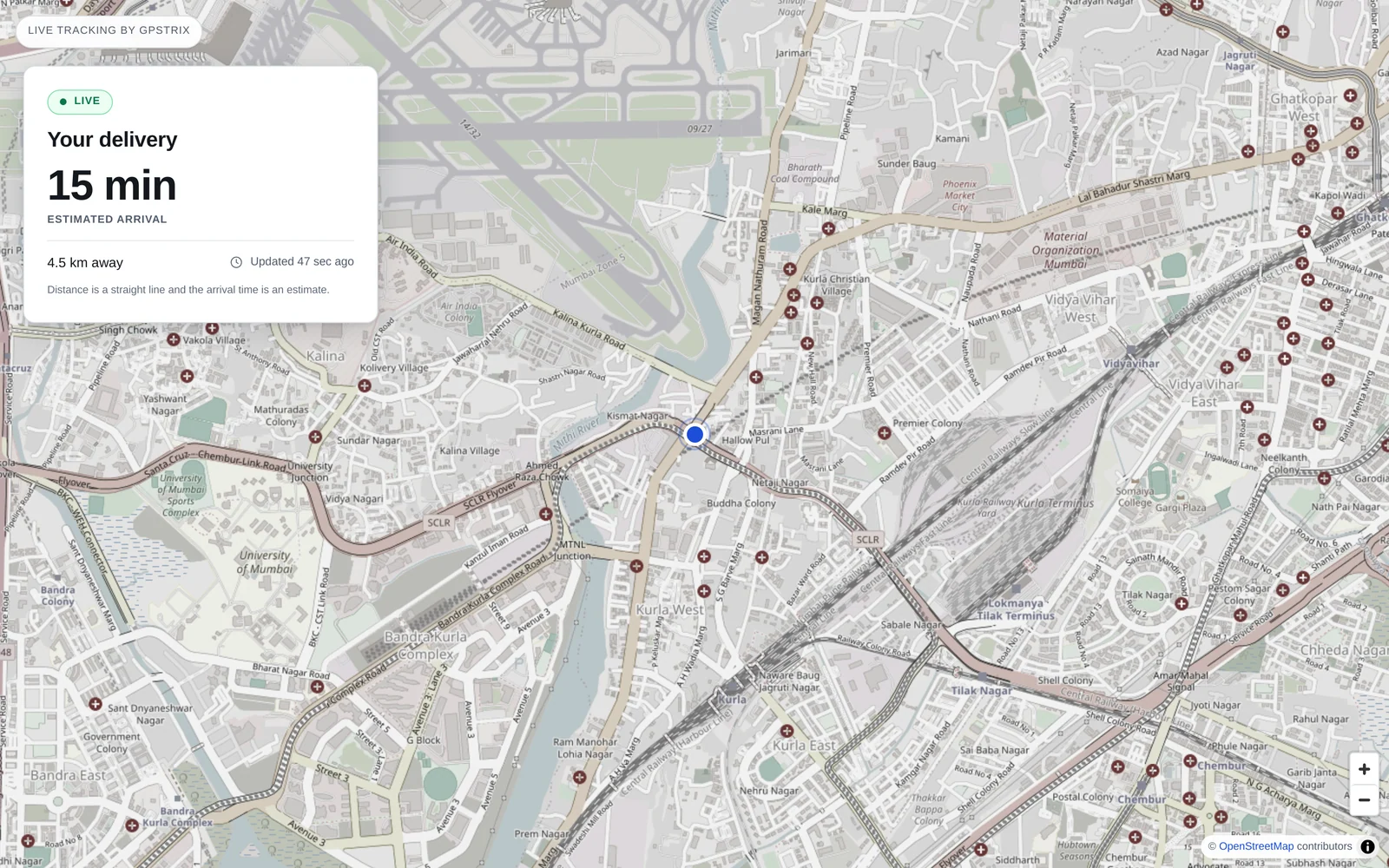
Make a tracking link for this trip: a label such as "18 t onions from Nashik", a time window for today, and the godown as the destination. Paste it into the customer's WhatsApp. They see the truck as one dot, how far away it is to the nearest half kilometre, and a rough arrival time.
They do not see the registration, the speed, the driver's name or number, or where the truck was before the window opened. When the window closes the link stops working, and you can switch it off sooner.
Kasara ghat08:15
Slow climb, nothing to do
The live map shows the trail and how old the last position is. If the tracker goes quiet, the dot goes stale and the truck appears in the non-reporting vehicles report. That is how you tell "stuck in the ghat" from "tracker unplugged". A cut to the tracker's power raises its own alert.
A dhaba on the highway10:30, for 50 minutes
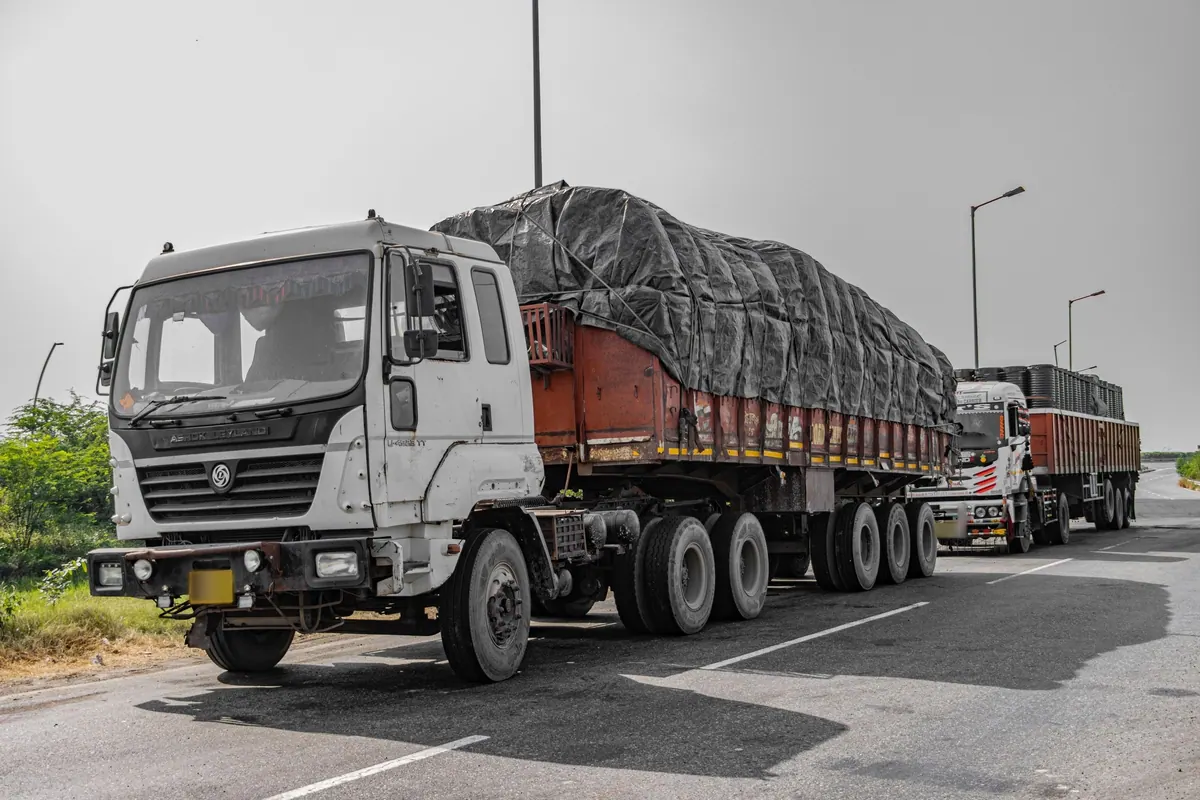
A stop that is not on any list
A stop outside every geofence you have drawn counts as unscheduled. Long ones go into the unauthorised-stoppage report, and the next morning's inbox lists them as "Long stop away from any site".
Most of them will be lunch. Draw a geofence around the dhabas your drivers are allowed to use, and those stops stop being exceptions.
The queue at the godown gate12:10, for 35 minutes
Engine running, wheels not turning
That goes into the idling report. On trucks fitted with a Teltonika FMB150 on the CAN bus you also get the fuel level in litres, so a drop while the truck stands still is visible.
The fuel-drain report gives each suspected drain a confidence, and separately lists the drops it would not call theft because they looked like sensor noise. Read that second list before you accuse a driver.
Inside the customer's gate13:05
Arrival, and how long they keep you
Entering the customer's geofence is recorded. The site-visit report keeps arrival and departure times, and the geofence dwell report adds up how long your trucks wait at each site, day after day. That is the figure you need when a customer holds your trucks for four hours and pays for one.
Unloading13:50
Proof of delivery
If the driver carries GPStrix Field, a delivery form records what you ask: who received it, how many bags, any shortage. With no signal inside the godown, it saves on the phone and uploads when the truck is back on the road. A photo of the stock and the receiver's signature can already be put on the form; the app captures them in a later update.

Next morning, 07:00
Reports you schedule once arrive by email as PDF or CSV, for the vehicles and groups you choose.
- Trips and stops
- Every trip with start, end, distance and duration. Every engine-off stop with its length and the geofence it was in, if any.
- Idling
- Engine-on, stationary time per vehicle. Kept apart from stops on purpose: one is a delivery, the other is diesel burnt going nowhere.
- Waiting at customers
- Geofence dwell time per site, and the site-visit report's arrivals and departures.
- Long runs
- Continuous driving, night driving and overspeed, per driver, with the driver who was assigned to the vehicle at the time.
- Fuel and cost
- Where CAN fuel data exists: km per litre, refuels, suspected drains, cost per trip and cost per km.
- Out of the ordinary
- The insights inbox compares each truck with its own last 28 days and flags a day well outside it, such as idling far above its usual.
Hired market vehicles
For a truck you hire for one trip and cannot fit a tracker to, the driver can switch GPStrix Field to tracker mode. The phone then reports its position like a tracker until it is switched off, and the trip appears on the same map and in the same reports.
What it does not do
- It does not check a truck against a planned route. You see where it went, not how far it strayed from where it should have gone. That report is designed and not yet built.
- The consignee's arrival time is straight-line distance at an assumed 30 km/h. It is a fair guide in a city and a rough one on a highway, and the page says it is an estimate.
- It does not hold your loads, rates or invoices. If you have a transport management system, GPStrix sends it events by webhook.
Bring one of your routes to the demo.
Tell us the run, the trucks and which trackers are fitted. We will walk through that run in the console: the geofences you would draw, the alerts you would want, and the reports you would get the next morning.
Already a customer? Sign in to the console.